

Is a 300-Inch Projection Screen Too Big?
Table of Contents
- Understanding the 300-Inch Projection Screen
- Viewing Distance and Screen Size Relationship
- Projector Brightness Requirements for Large Screens
- Calculating Throw Distance and Lens Ratio
- Finding Your Ideal Projector Screen Size for Living Room
- Pixel Density and Image Sharpness at 300 Inches
- Practical Considerations for 300-Inch Projection Setups
- Conclusion
- Frequently Asked Questions
Last Updated: September 1, 2026
Understanding the 300-Inch Projection Screen
A 300 inch projection screen might sound enormous, and it is. But whether it's "too big" depends entirely on your room, viewing distance, and what you're trying to achieve. Most people dramatically underestimate how much space a truly immersive cinema experience requires.
The short answer: a 300-inch screen is rarely too big for dedicated viewing spaces. The real problem is that most living rooms are too small for one. People want the cinematic experience but don't have the depth to support it comfortably.
Here's what matters: the relationship between screen size and seating distance follows a specific rule. Your eyes should subtend a viewing angle of roughly 30 to 40 degrees when you're sitting in your sweet spot (peer-reviewed research). Below 30 degrees, the screen feels distant and less immersive. Above 40 degrees, you're straining your neck and experiencing eye fatigue. A 300-inch screen demands serious throw distance, typically 18 to 25 feet from the projector to the wall.
This is where most home theater dreams collide with reality. If your room is 12 feet deep, a 300-inch screen won't work. You'll be sitting too close, the image will pixelate, and you'll spend the entire movie fighting discomfort. But if you have a dedicated media room or a finished basement with 20+ feet of depth, a 300-inch screen transforms how you experience content.

The projector itself matters just as much as the screen size. Brightness, measured in lumens, determines whether your image stays sharp and vibrant when ambient light enters the room. Resolution, native 1080p with 4K support, ensures that at 300 inches, you're seeing crisp detail rather than visible pixels.
Viewing Distance and Screen Size Relationship
The distance between your seating and the screen is the single most important factor in determining whether a 300-inch screen works for you. This relationship isn't arbitrary; it's based on how the human eye processes visual information and maintains comfort over extended viewing periods.
The industry standard uses a simple formula: your viewing distance should be 1.5 to 2.5 times the screen's diagonal measurement. For a 300-inch screen, that translates to a minimum seating distance of 37 to 50 feet, measured from your eyes to the screen surface. Most people hear this number and immediately realize their living room won't accommodate it.
But here's the nuance that changes the calculation. If you're watching a 4K source on a 300-inch screen with native 4K resolution support, you can sit slightly closer, around 1.2 to 1.5 times the diagonal, without visible pixelation. Lower resolutions (1080p) require that extra distance to mask individual pixels. This is why the Nova 300 Smart Home Theater Projector, with its native 1080p and 4K support, becomes a practical choice: it lets you optimize your seating based on your actual room dimensions.
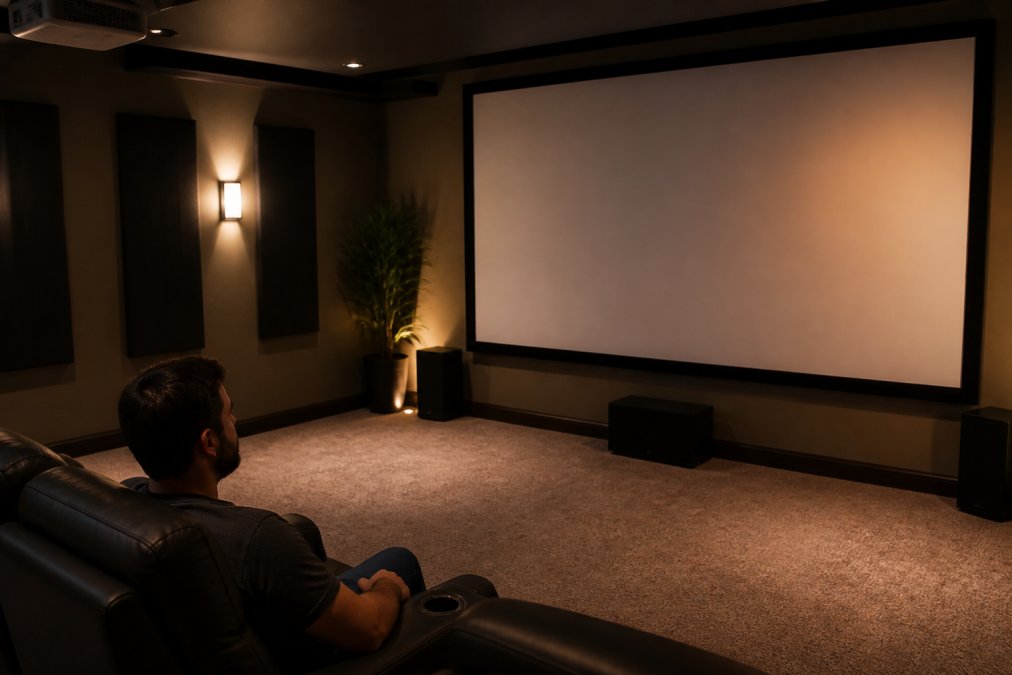
Viewing angle also affects eye strain and immersion. When the screen fills too much of your peripheral vision, more than 40 degrees, your eyes work harder to track motion, and your neck fatigues from constant adjustment. When it fills too little, less than 30 degrees, the experience feels like watching a distant monitor rather than being immersed in the content.
The sweet spot for most viewers is a 35-degree field of view. This angle feels cinematic without demanding physical strain. In a room with 20 feet of depth, a 300-inch screen achieves this angle naturally. In a 15-foot room, it doesn't. There's no workaround, you either have the depth or you don't.
Projector Brightness Requirements for Large Screens
Lumens are the unit of light output from your projector. The larger your screen, the more lumens you need to maintain image brightness and contrast. A 300-inch screen with insufficient lumens produces a washed-out, dim image that feels flat and lifeless.
Most home theater projectors range from 2,000 to 5,000 lumens. For a 300-inch screen in a dark room, you want at least 3,000 to 4,000 lumens (ies.org). If your room has windows or ambient light during daytime viewing, push toward 5,000 lumens or higher. The CAIWEI Halo 300 Ultra-Bright Projector delivers 10,000 lumens, a significant advantage for rooms that aren't completely light-controlled.

Brightness interacts with contrast ratio. A bright projector with poor contrast ratio produces a gray, washed-out image. A dimmer projector with excellent contrast ratio can feel more vivid in a dark room but struggles when any ambient light enters. For a 300-inch screen, you need both: adequate brightness and strong black levels.
The practical consideration: ambient light is almost always present. Even in dedicated theaters, light creeps in around door frames, from hallway switches, or during setup. Brighter projectors handle this reality better. They maintain image vibrancy and color accuracy even when conditions aren't perfect.
Calculating Throw Distance and Lens Ratio
Throw distance is the physical space between your projector and the screen. It determines where you can mount the projector and whether your room layout supports a 300-inch screen at all. This is where most home theater plans fail in the planning phase.
Throw distance depends on the projector's lens ratio, the relationship between the distance to the screen and the width of the image produced. A projector with a 1.5:1 lens ratio throws an image 1.5 times as wide as the throw distance. A 2.0:1 ratio throws an image 2.0 times as wide. Lower ratios (closer to 1.0) are "short throw" projectors; higher ratios are "long throw."
For a 300-inch screen at 16:9 aspect ratio, the image width is approximately 260 inches. If your projector has a 1.5:1 lens ratio, you need a throw distance of roughly 173 feet. That's impossible in a home. If your projector has a 2.0:1 ratio, you need 130 feet. Still impossible.
This is why most home theater projectors use wider lens ratios, often 1.2:1 to 1.5:1 for standard setups. But even with these, a true 300-inch screen demands significant depth. A projector with a 1.2:1 ratio and a 300-inch screen requires approximately 260 feet of throw distance. Most people don't have this space.
The practical solution: use a shorter throw distance and accept a smaller screen, or use a projector with optical zoom or motorized lens shift to adjust the image size and position. The Nova 300 Smart Home Theater Projector includes automatic keystone correction, which adjusts the image geometry to fit your wall, not a perfect substitute for throw distance, but a real accommodation when space is limited.
Finding Your Ideal Projector Screen Size for Living Room
Most living rooms aren't designed for 300-inch screens. They're designed for comfort, furniture arrangement, and multiple purposes. A 300-inch screen demands a dedicated space, ideally a finished basement, a dedicated media room, or a converted garage.
The ideal screen size for a typical living room is 100 to 150 inches. This range accommodates standard throw distances of 10 to 15 feet and viewing angles of 30 to 40 degrees for normal seating arrangements. Most sofas are 8 to 12 feet from an entertainment wall, which naturally supports screens in this range.
A 300-inch screen requires either a much larger room or a completely different layout. You need depth, wall space, and often a room dedicated solely to theater. If your living room serves multiple purposes, entertaining guests, family gatherings, everyday living, a 300-inch screen becomes impractical and intrusive.
The honest assessment: if you're asking whether a 300-inch screen is too big, it probably is for your current space. People who can comfortably accommodate one don't usually question it. They've already measured, calculated, and confirmed the math works. The doubt itself is a signal that your room might not support it.
Instead, work with your actual constraints. Measure your seating distance. Calculate the viewing angle at various screen sizes. Choose the largest screen that maintains comfort and fits your room's other purposes. For most living rooms, that's 120 to 150 inches. For dedicated theaters, 200 to 300 inches becomes feasible.
Pixel Density and Image Sharpness at 300 Inches
Pixel density, the number of pixels per inch (PPI), determines whether a 300-inch screen displays sharp, crisp images or visible pixelation. At massive screen sizes, native resolution becomes critical.
A 1080p projector produces 1,920 by 1,080 pixels (smpte.org). Spread across a 300-inch screen at 16:9 aspect ratio, that's roughly 0.24 pixels per inch. At normal viewing distances for 300-inch screens (20+ feet), 0.24 PPI is at the threshold of visibility. You might see individual pixels, especially during panning shots or on solid-color backgrounds.
A 4K projector produces 3,840 by 2,160 pixels, four times the pixel count. The same 300-inch screen with 4K resolution delivers approximately 0.48 PPI. This is significantly sharper and approaches the threshold where pixels become invisible to the human eye at typical viewing distances.
The practical implication: if you're investing in a 300-inch screen, native 4K resolution is worth the cost. Native 1080p with 4K upscaling works, but it's a compromise. The upscaling algorithms fill in missing pixels, but they can't create detail that wasn't captured in the original source. For streaming content, most sources are 1080p anyway, so the difference is less dramatic. For 4K sources, increasingly common for premium content, native 4K resolution justifies the premium.
The Nova 300 Smart Home Theater Projector handles this balance with native 1080p and 4K support. For most streaming and gaming content, it delivers excellent results. For dedicated 4K cinephiles, the CAIWEI Halo 300 Ultra-Bright Projector's higher brightness and resolution support creates a more refined image at 300 inches.
Practical Considerations for 300-Inch Projection Setups
Beyond the technical specs, a 300-inch screen setup requires practical accommodations that most people underestimate. Mounting, power, cooling, and maintenance all become more complex at this scale.
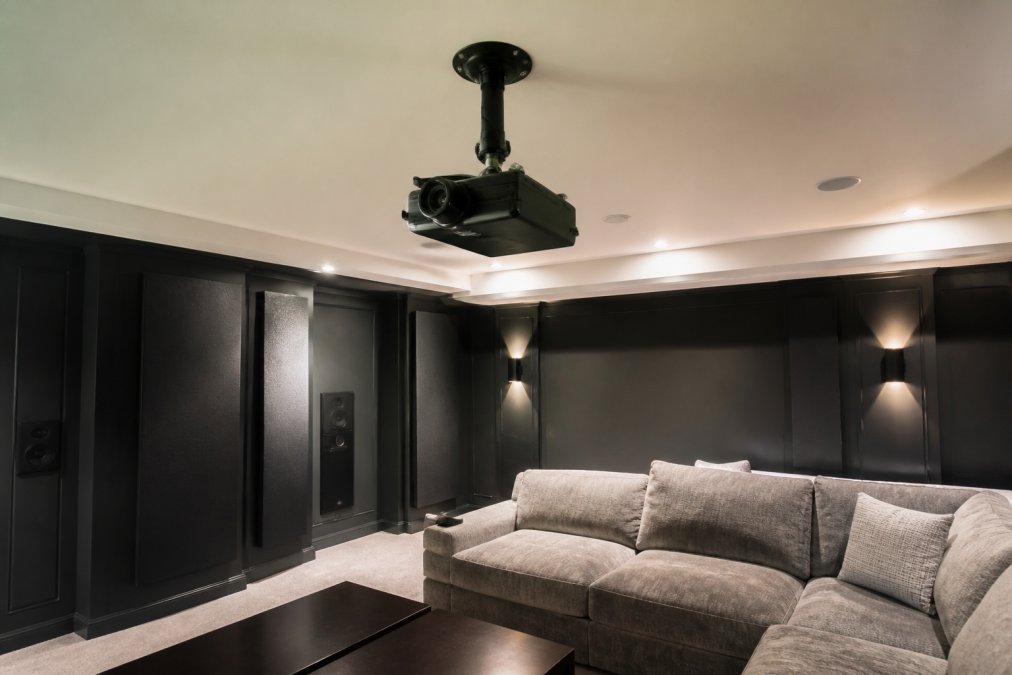
Projector mounting is the first challenge. A 300-inch screen demands a projector powerful enough to fill that space with bright, sharp light. These projectors are heavier and generate more heat than typical models. They need secure, rigid mounting, either ceiling-mounted or on a sturdy stand. The Nova 300 Smart Home Theater Projector's 360-degree rotating stand provides flexibility, allowing you to position the projector for wall or ceiling projection without permanent installation.
Heat management becomes critical. High-output projectors generate significant thermal energy. Your room needs adequate ventilation to prevent the projector from overheating and shutting down mid-movie. A dedicated media room with HVAC consideration is ideal. Apartment dwellers or those in smaller spaces may struggle with this requirement.
Cooling also affects the projector's lifespan. Projectors operated in hot environments age faster and require more frequent maintenance. If your room gets warm during summer or during extended viewing sessions, plan for active cooling or accept reduced projector longevity.
Screen material selection impacts image quality significantly. A high-gain screen (reflective, directional) amplifies the projector's light output, making the image brighter but narrowing the optimal viewing angle. A low-gain screen (diffuse, wide-angle) distributes light more evenly across the room, accommodating viewers at various angles but requiring a brighter projector. For a 300-inch screen with multiple viewers, a low-gain material is usually the better choice.
Aspect ratio also matters. Most content is 16:9, but some specialty content uses different ratios. A 300-inch 16:9 screen is massive. A 300-inch 21:9 ultrawide screen is even more extreme and rarely justified for home use. Stick with 16:9 for compatibility with the vast majority of content.
Conclusion
Is a 300-inch projection screen too big? The answer depends on whether your room can support it. If you have 20+ feet of throw distance, a dedicated viewing space, and a bright, high-resolution projector, a 300-inch screen delivers an unmatched cinematic experience. If you're working with a standard living room, it's almost certainly too big.
At JoeMo Promo, we specialize in helping homeowners find the right balance between ambition and reality. Our handpicked projectors and theater setups are designed to maximize your actual space, not force an oversized screen into a room that won't accommodate it. The Nova 300 Smart Home Theater Projector combines native 1080p resolution, automatic focus and keystone correction, and a rotating stand that adapts to your room's layout, delivering stunning image quality without requiring a dedicated theater construction project.
Start with your actual seating distance. Calculate the screen size that maintains proper viewing angles and comfort. Then invest in a projector with adequate brightness and resolution for that size. This approach ensures you'll actually enjoy your setup instead of struggling with an oversized screen that dominates your space. Shop the Collection to explore projectors and theater systems built for real homes.
Frequently Asked Questions
Q: What is the ideal viewing distance for a 300-inch projector screen?
A: The ideal viewing distance for a 300-inch screen is typically 18 to 25 feet from the screen surface. At this distance, your eyes can comfortably take in the entire image without excessive head movement, and you'll see sharp detail without pixelation. If your room is smaller than 18 feet deep, a 300-inch screen may cause eye strain and blur. Most home theaters use the 1.5x rule: multiply screen width by 1.5 to find your minimum viewing distance.
Q: How do I use a projector throw distance calculator to find the right screen size?
A: A projector throw distance calculator uses your room's depth and the projector's lens ratio to determine the maximum screen size you can achieve. Measure the distance from where your projector will be mounted to your projection surface, then input that distance and your projector's throw ratio (found in the manual) into the calculator. The result tells you the screen width you can display. For example, a projector with a 1.5:1 throw ratio placed 15 feet away can project approximately a 120-inch wide image, which translates to roughly a 200-inch diagonal screen.
Q: What projector brightness do I need for a 300-inch screen?
A: A 300-inch screen requires at least 5,000 to 10,000 lumens depending on ambient light. For a dark, dedicated cinema room, 5,000 lumens is often sufficient. For rooms with some ambient light or outdoor use, aim for 8,000 to 10,000 lumens to maintain bright, vivid colors and strong contrast. The CAIWEI Halo 300 Ultra-Bright Projector delivers 10,000 lumens, making it ideal for larger screens and flexible lighting conditions.
Q: Will a 300-inch screen work in a small living room?
A: A 300-inch screen generally requires at least 18 to 25 feet of depth to be practical and comfortable. If your living room is smaller than 18 feet deep, you'll sit too close, causing eye strain and visible pixelation. The Nova 300 Smart Home Theater Projector's auto-focus and keystone correction help optimize image quality in tight spaces, but physics still applies: smaller rooms need smaller screens. Consider a 100- to 150-inch screen for rooms under 18 feet deep to maintain viewing comfort and image clarity.
The real question isn't whether 300 inches is too big, it's whether your room is big enough. Most aren't. But with proper planning and the right equipment from JoeMo Promo, even smaller spaces can deliver exceptional home theater experiences. Our 30-day return policy means you can test your setup risk-free and adjust if needed.
This article was written using GrandRanker






















