

Projecting on a Grey Wall vs White Wall: Full Guide
Table of Contents
- Grey Wall vs White Wall: The Core Trade-Off
- How Grey and White Surfaces Change Contrast and Black Levels
- Brightness, Screen Gain, and Reflectance: What You Actually Lose
- The Best Wall Color for Projector Setups in Real Rooms
- Projector Screen Paint: When a Coated Wall Beats Plain Drywall
- Projector Screen vs. White Wall: Is the Upgrade Worth It?
- Projector Contrast in a Bright Room: Why Grey Wins More Often
- Conclusion: Choosing Your Projection Surface
- Frequently Asked Questions
Last Updated: October 6, 2026
Grey Wall vs White Wall: The Core Trade-Off
Choosing between projecting on a grey wall vs white wall comes down to one question: do you want deeper blacks or a brighter picture? At JoeMo Promo, we walk buyers through this decision constantly, because it shapes everything from movie night to game day.
The trade-off is real, and it is measurable. Grey surfaces lower the darkest tone a projector can produce, which raises perceived contrast. White surfaces preserve light output and color purity, which matters more in dim rooms with accurate projectors.
Most guides treat this as a simple preference. It is not. Your room lighting, projector brightness, and wall texture decide which surface wins.
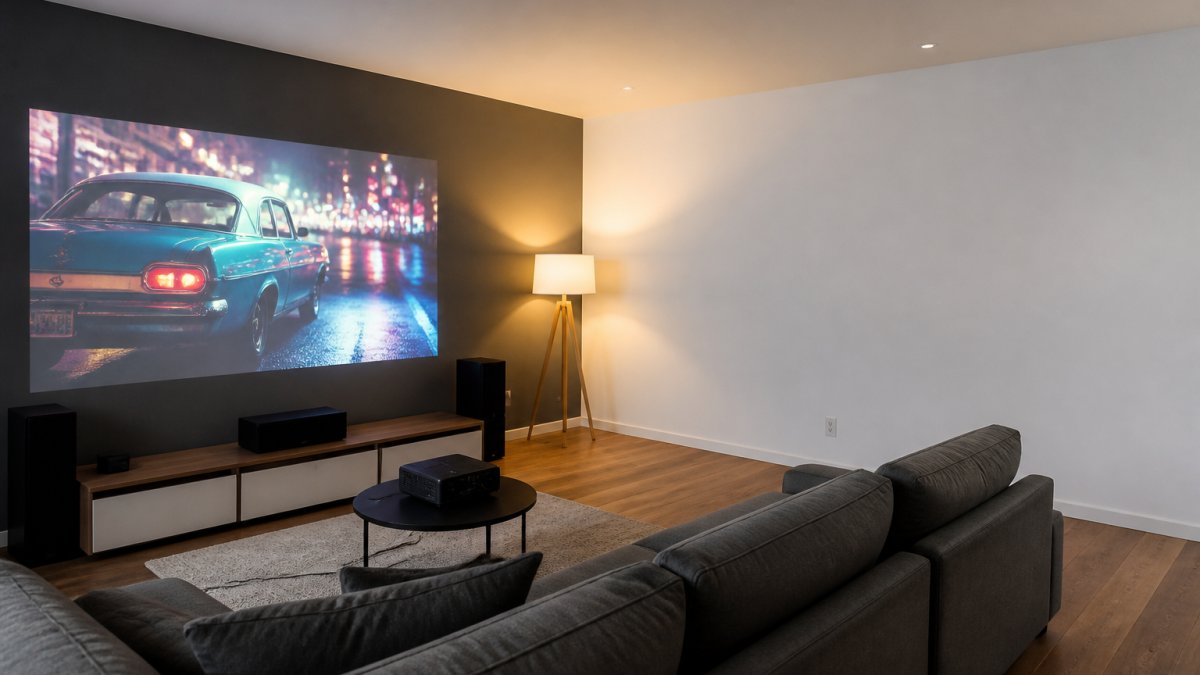
Here is the short version before we dig in:
| Factor | Grey Wall | White Wall |
|---|---|---|
| Black levels | Deeper, more convincing | Washed out in bright rooms |
| Brightness | Slightly reduced | Maximum light output |
| Color accuracy | Needs calibration | Neutral by default |
| Best for | Rooms with ambient light | Dark, light-controlled rooms |
How Grey and White Surfaces Change Contrast and Black Levels
Contrast is the difference between the brightest white and the darkest black a projector can show. A projector cannot project true black; it can only project less light. That is where the wall color matters.
A grey wall reflects less light back at the viewer, including the light that would otherwise wash out dark scenes. The result is blacker blacks and stronger perceived contrast.
This is why home theater enthusiasts often paint a dedicated screen wall a light-to-medium grey rather than leaving it white. The picture does not get brighter, but it looks more cinematic.

Brightness, Screen Gain, and Reflectance: What You Actually Lose
Screen gain describes how much light a surface reflects back toward the viewer. A white wall has a gain near 1.0. A grey wall has a lower effective gain because it absorbs some light.
That absorption is the cost of better contrast. A grey surface can cut perceived brightness noticeably, which matters if your projector has modest light output. A brighter projector, like the CAIWEI Halo 300 Ultra-Bright Projector, handles grey surfaces better because it has light to spare.

Reflectance also interacts with wall texture. A glossy or semi-gloss finish creates hot spots and reflections. A matte finish spreads light evenly. For any painted projection surface, matte is the safer choice.
- White wall: highest brightness, lowest contrast
- Light grey wall: balanced brightness and contrast
- Medium grey wall: best contrast, dimmer image
- Dark grey wall: strong contrast, needs a bright projector
The Best Wall Color for Projector Setups in Real Rooms
There is no single best wall color, but there is a best starting point: a neutral, matte grey in the light-to-medium range. Everything past that is a decision tree, and the branches depend on your projector, your screen size, and how much light you cannot turn off.
Grey is not one color
"Grey" covers a wide range. What matters is reflectance, how much light the surface bounces back, not the name on the paint chip. A light grey might reflect roughly 60-70% of the light hitting it, a medium grey closer to 40-50%, and a dark grey well under 30%. White sits near 85-95% depending on the finish. Those numbers are the real variable, and they move brightness, black level, and color together.
- Light grey (high reflectance): small brightness penalty, modest contrast gain. Good for dim rooms and lower-output projectors.
- Medium grey (mid reflectance): the common home theater compromise. Noticeable contrast gain, noticeable brightness loss.
- Dark grey (low reflectance): strongest perceived contrast, heaviest brightness cost. Needs a projector with light to spare.
Match the shade to the projector, not the other way around
A useful rule of thumb: the dimmer your projector and the larger your image, the lighter your grey should be. A 2,000-lumen projector throwing a 120-inch image has very little light per square foot to begin with, and a dark grey wall will make it look dull. A 3,000-lumen-plus projector on a 100-inch image can absorb the loss and gain real contrast.
Screen size compounds this. Doubling the diagonal roughly quadruples the area the same light has to cover, so a shade that looks great at 100 inches can look flat at 150.
Neutral beats tinted
Tinted greys shift color. A cool or bluish grey pushes skin tones cold and makes whites look clinical. A warm or beige-leaning grey pushes skin tones orange and yellows whites. A neutral grey keeps the projector's own color balance closer to correct, and any residual shift is usually correctable in the projector's picture menu.
When white is still the right answer
In a fully light-controlled room, no lamps, no hallway glow, no daytime viewing, white remains a legitimate choice. It preserves the brightest, most color-neutral image the projector can produce, and it does not force you to compensate for a tint. The catch is that "fully light-controlled" is a strict standard. Most living rooms do not meet it.
A quick decision path
- Can you make the room fully dark? If yes, white or very light grey.
- If no, how bright is your projector relative to your screen size? Low output, go lighter grey. High output, go medium grey.
- Is color accuracy a priority? Stay neutral, avoid tinted greys.
- Is the wall textured or glossy? Fix the surface before choosing a shade.
Projector Screen Paint: When a Coated Wall Beats Plain Drywall
Projector screen paint is a coating formulated to control reflectance and reduce hot spots on a wall used as a projection surface. It is not the same as ordinary interior paint, even when the color looks similar. The difference is in how it scatters light and how evenly it does so across the surface.
Nova 300 Smart Home Theater Projector →
What screen paint actually does
Plain drywall, even when painted, has texture and uneven reflectance. Screen paint is designed to smooth those inconsistencies and produce a more even image. Some formulations are grey-tinted to boost perceived contrast. Others are built as ambient-light rejection coatings, which steer reflected light back toward the viewer instead of scattering it around the room.
Surface prep is most of the result
This is the part most guides skip, and it is where coated walls succeed or fail.
- Smoothness: Drywall texture, roller stipple, and seams all show up in the image, especially on bright scenes. Skim-coating or sanding to a flat surface before painting matters more than the paint brand.
- Sheen: Matte is the safe choice. Semi-gloss and gloss create hot spots and reflections that shift as you move around the room.
- Uniformity: Thin, uneven coats produce blotchy brightness. Multiple thin coats applied consistently beat one heavy coat.
- Priming: A primer coat evens out absorption so the screen paint cures to a consistent tone instead of soaking in unevenly.
- Edges: A defined border, painted or taped, gives your eye a reference point and makes the image read as sharper and more contrasty.
When screen paint earns its place
- Your wall has visible texture or drywall seams you cannot sand out
- You want consistent brightness across the image
- You are fighting ambient light and want extra contrast
- You want a specific shade without guessing at a paint match
When it does not
The trade-off is cost and effort. Screen paint costs more than standard paint, and application quality matters. A poorly applied coating can look worse than a clean, matte wall. If your wall is already smooth and you are working in a dark room, a good matte white or light grey interior paint will get you most of the way there for far less.
A note on ultra-short-throw and ALR surfaces
Ultra-short-throw projectors and ambient-light-rejecting surfaces have distinct requirements and should not be treated like standard wall projection. UST projectors fire light at a steep angle, and ALR materials are engineered to reject off-angle light while reflecting that specific beam. A generic grey wall paint will not replicate that behavior, and in some UST setups a plain wall can produce a washed-out or uneven image that no paint shade fixes. If you are running a UST projector, check the manufacturer's surface guidance before painting.
Projector Screen vs. White Wall: Is the Upgrade Worth It?
A projector screen versus a white wall comes down to consistency. A screen gives you a purpose-built surface with controlled gain, a defined border, and even reflectance. A white wall gives you convenience and zero added cost.
For a casual setup, a white or light grey wall works fine. For a dedicated media room where you care about picture quality, a screen or a properly coated wall is the better investment.
If you already own a bright projector, like the Karnstar Outdoor Cinema Projector, you can often skip the screen entirely for outdoor use and rely on its included 200-inch screen.

Projector Contrast in a Bright Room: Why Grey Wins More Often
Projector contrast in a bright room favors grey almost every time. When ambient light hits a white wall, it reflects back and lifts the black floor of the image. Dark scenes turn grey and washed out.
This is the same principle behind ambient-light rejection screens, which use dark, specially structured surfaces to reject off-angle room light while reflecting the projector's direct beam. A grey painted wall is a simpler version of that idea.
The exception is a light-controlled room. In a fully dark room with a color-accurate projector, a white wall delivers the brightest, most neutral image, and grey only costs you light.
Conclusion: Choosing Your Projection Surface
The right surface depends on your room, not on a universal rule. Match the wall to your lighting conditions and your projector's light output, and the picture quality follows.
If you want a projector that gives you the brightness to make either surface work, our Nova 300 Smart Home Theater Projector delivers native 1080p with 4K support, auto-focus and keystone correction, and a 360-degree stand for flexible wall or ceiling projection. Pair it with wireless speakers for a clutter-free setup, and take advantage of free shipping on most orders and a 30-day return policy.
Get started with JoeMo Promo and turn any wall into your private theater.
Frequently Asked Questions
What color wall is best for a projector?
It depends on your room. In a dark, light-controlled space, a white wall preserves brightness and neutral color, so it often looks best. In a room with ambient light from windows or lamps, a light grey wall improves perceived contrast and black levels. Most home theater owners land on a matte light grey or a dedicated screen material rather than pure white.
Can you project on a grey wall?
Yes. A grey wall works well for projection, especially if it has a matte finish and a smooth surface. Grey reduces reflected ambient light, which makes black levels look deeper and improves perceived contrast. The trade-off is that the image will appear slightly dimmer than on white, so a brighter projector helps balance it out.
Does a grey wall improve projector contrast?
A grey wall can improve perceived contrast because it reflects less ambient light back into the room. This makes black areas of the image look darker, which increases the contrast ratio your eye perceives. The effect is most noticeable in rooms with some ambient light; in a fully dark room, the difference is smaller.
Will a grey wall make a projector image look dimmer?
Yes, a grey wall reflects less light than white, so the overall image will appear dimmer. How much depends on the shade of grey. A lighter grey loses less brightness than a dark grey. If you choose grey, pair it with a projector that has higher light output to compensate.






















