

Best Projector for Small Living Room: 2026 Guide
Table of Contents
- What Makes a Small Living Room Projector Different
- Quick Comparison: Top Small Living Room Projectors
- 1. Wanderlight Portable Smart Projector, Best for Flexibility
- 2. Nova 300 Smart Home Theater Projector, Best All-Rounder
- 3. CAIWEI Halo 300 Ultra-Bright Projector, Best for Bright Rooms
- Short Throw Projector vs Long Throw: Which Works in a Small Room
- Best Projector for Bright Living Room: Managing Ambient Light
- How to Set Up a Home Theater in a Small Apartment
Last Updated: August 20, 2026
Finding the best projector for a small living room requires understanding constraints most guides ignore: throw distance, ambient light management, heat buildup, and wall color. At JoeMo Promo, we've handpicked projectors specifically suited to smaller rooms, cutting through the noise to show you exactly which model fits your setup and why.
Quick Picks:
- Best for Flexibility: Wanderlight Portable Smart Projector ($509.99)
- Best All-Rounder: Nova 300 Smart Home Theater Projector ($529.99)
- Best for Bright Rooms: CAIWEI Halo 300 Ultra-Bright Projector ($559.99)
What Makes a Small Living Room Projector Different
A projector for a small living room faces fundamentally different constraints than a home cinema unit. Choosing the wrong type means either sitting too close to a blurry image or cramming a unit into a corner where it overheats.

Throw distance is the first constraint. Standard-throw projectors need 8 to 12 feet to produce a 100-inch image. In a room only 10 to 14 feet deep, that leaves almost no comfortable seating distance. Short-throw projectors produce large images from 3 to 5 feet away, making them practical for compact spaces.
Lumens matter more in small rooms. Windows, open doorways, and overhead lighting can't be fully controlled. Projectors below 2,000 lumens wash out in anything but complete darkness. For rooms with ambient light, 3,000 lumens is practical; 10,000 lumens provides daylight-capable brightness.
Native resolution determines sharpness at close viewing distances. Native 1080p is the minimum; 4K future-proofs the setup as streaming services increasingly deliver ultra high definition content.
Other factors that shift in small spaces: fan noise becomes more audible, keystone correction and lens shift matter more due to placement constraints, input lag affects gaming, and portability allows repositioning without permanent mounting.
Quick Comparison: Top Small Living Room Projectors
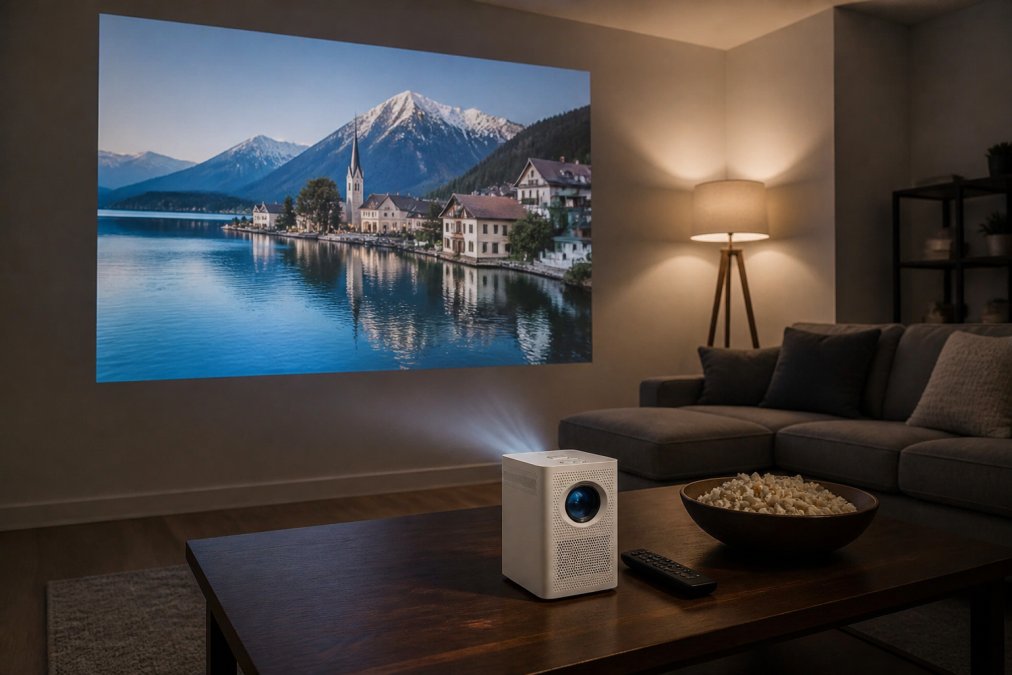
| Projector | Price | Native Resolution | Brightness | Best For |
|---|---|---|---|---|
| Wanderlight Portable Smart Projector | $509.99 | HD | Standard | Flexibility, portability |
| Nova 300 Smart Home Theater Projector | $529.99 | Native 1080p, 4K support | Standard | All-round home theater |
| CAIWEI Halo 300 Ultra-Bright Projector | $559.99 | Native 1080p, 4K support | 10,000 lumens | Bright rooms, daylight use |
All three support wireless casting, include built-in streaming, and ship free to most Continental U.S. addresses with a 30-day return policy.

1. Wanderlight Portable Smart Projector, Best for Flexibility
The Wanderlight at $509.99 is the most versatile unit, ideal when your living room doubles as a bedroom or home office. Its compact design moves to the backyard, dorm room, or hotel without effort.
The built-in Smart TV interface means streaming Netflix, YouTube, and major platforms within a minute of plugging in, no separate streaming stick or HDMI adapter needed.
What works: Portable design and instant-on smart interface make this the lowest-friction projector for apartment dwellers who don't want permanent installation.
What to watch: Portable projectors trade brightness for size. Close the blinds, and the picture is excellent. Leave them open, and you'll notice the difference compared to the CAIWEI Halo 300.

Pros:
- Compact, genuinely portable design
- Built-in Smart TV, no extra streaming device needed
- WiFi connectivity for wireless casting
- Free shipping, 30-day return policy
Cons:
- Lower brightness than CAIWEI Halo 300, not ideal for bright rooms
- Less suited to fixed home theater setups
2. Nova 300 Smart Home Theater Projector, Best All-Rounder
For most small living room buyers, the Nova 300 is the answer. Native 1080p with 4K support delivers sharp, detailed images at $529.99.
Auto-focus and automatic keystone correction matter most for compact spaces. Placement is rarely ideal, the projector might sit slightly off-center or on an unlevel shelf. Automatic keystone correction handles vertical and horizontal alignment in seconds, locking in a sharp rectangular image.
The 360° rotating stand is a genuine differentiator. Point it at a wall, angle it toward the ceiling for reclined viewing, or take it outside. The aspect ratio stays correct regardless of orientation.
Built-in WiFi and Bluetooth enable wireless speaker pairing. Connect a surround sound system over Bluetooth, and the living room becomes a genuine home cinema without cables running across the floor.
Pros:
- Native 1080p with 4K support
- Auto-focus and automatic keystone correction
- 360° stand for wall or ceiling projection
- Bluetooth for wireless speaker pairing
- Supports 300-inch image projection
Cons:
- Brightness adequate for darkened rooms but not daylight conditions
- Not as portable as the Wanderlight
3. CAIWEI Halo 300 Ultra-Bright Projector, Best for Bright Rooms
Most projectors struggle with ambient light. The CAIWEI Halo 300 doesn't. At 10,000 lumens, it holds up when afternoon sun comes through the blinds or overhead lights are on, solving the single most common complaint about living room projectors.
Native 1080p with 4K support keeps images sharp at large projection sizes. Built-in Android and 5G WiFi handle streaming without additional hardware. For gaming, the fast refresh rate reduces visible input lag.
At $559.99, it's the premium option, and the price reflects the brightness specification. If your living room has windows you can't fully cover or you watch during daylight, this is the unit to buy.
Pros:
- 10,000 lumens, genuine ambient light rejection
- Native 1080p, 4K support
- Built-in Android, 5G WiFi, Bluetooth
- Strong color accuracy and dynamic range
- Handles large image sizes without brightness falloff
Cons:
- Highest price at $559.99
- Larger form factor than Wanderlight
Short Throw Projector vs Long Throw: Which Works in a Small Room
Short-throw projectors are the better choice for most small living rooms. They produce a 100-inch image from 3 to 5 feet away, compared to 8 to 12 feet for standard long-throw units. In rooms under 14 feet deep, that difference determines whether a projector is practical.
| Room Depth | Recommended Type | Typical Image Size |
|---|---|---|
| Under 10 feet | Ultra-short-throw | 80-100 inches |
| 10-14 feet | Short-throw | 100-150 inches |
| 14+ feet | Standard throw | 100-300 inches |
Long-throw projectors require compromises in small rooms. At 10 feet of throw distance, a standard projector produces a smaller image than expected, and the unit often sits in the middle of the room rather than on a back shelf.
The Nova 300 and CAIWEI Halo 300 deliver a 300-inch image projection at appropriate distances for living rooms with 12 to 15 feet of throw distance. The Wanderlight's compact design gives flexibility across different room configurations.
Prioritize optical zoom over digital zoom for small-room setups. Digital zoom degrades image quality, while optical zoom lets you fine-tune image size without moving the unit.
Best Projector for Bright Living Room: Managing Ambient Light
The best projector for a bright living room combines high lumen output with a projection surface designed for ambient light rejection. Brightness alone isn't enough, the projection surface, wall color, and room geometry all affect image quality in lit conditions.
Lumen output is the starting point. For rooms with open windows or overhead lighting, 3,000 lumens is minimum; 10,000 lumens like the CAIWEI Halo 300 provides daylight-capable performance.
Ambient light rejection screens use optical coatings to reflect projected light toward the viewer while rejecting off-axis ambient light. Paired with a high-lumen projector, they produce dramatically better images than bare walls.
Contrast ratio maintains visible shadow detail when ambient light washes out dark areas. Look for native contrast ratio specifications, not dynamic contrast marketing figures.
Color gamut performance degrades in bright conditions on lower-spec projectors. The CAIWEI Halo 300's color accuracy at high brightness separates it from budget units that technically list high lumens but deliver washed-out color.
Practical steps for managing bright living rooms:
- Install blackout curtains or cellular shades on windows facing the projection wall
- Use a dedicated projection screen rather than a painted wall
- Position the projector to minimize light sources behind the viewing area
- Choose a high-lumen unit (3,000+ lumens) as your baseline
How to Set Up a Home Theater in a Small Apartment
Setting up a home theater in a small apartment is achievable without permanent installation. The key is sequencing: projection surface first, then projector placement, then audio, then cable management.
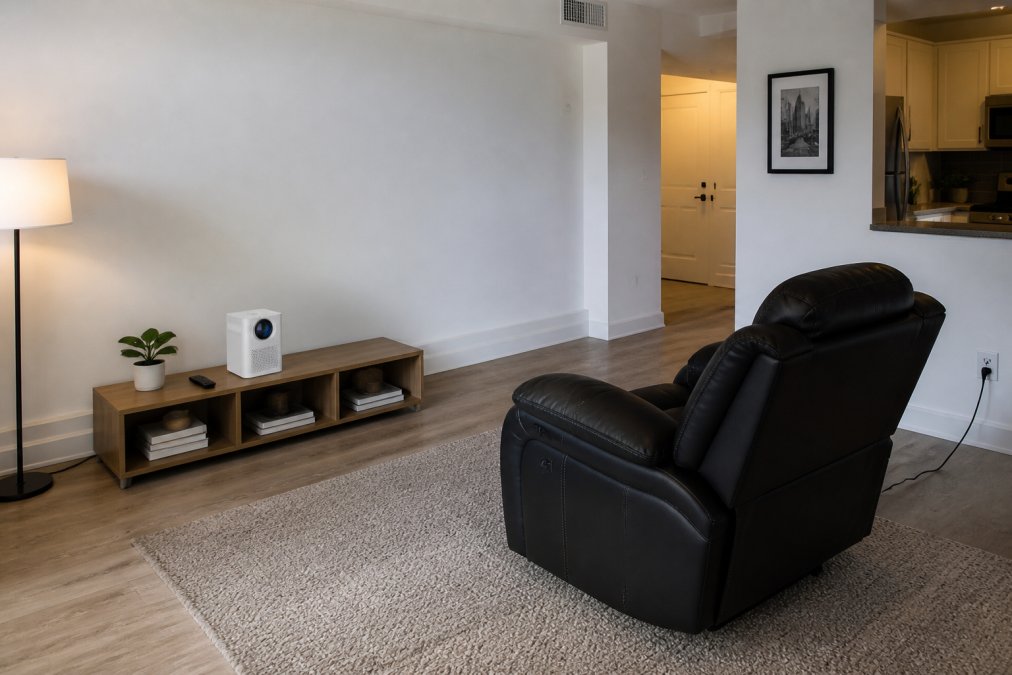
Start by identifying your projection wall, ideally opposite primary seating with no windows or doors. Measure available width and calculate achievable image size at your room's depth using throw distance guidelines.
Wall Color and Projection Surface
Wall color significantly impacts projected image quality. A bright white wall reflects the most light and produces vivid images, but also reflects ambient light, washing out pictures in lit rooms. A light gray wall (10-15% gray) reduces ambient light reflection while maintaining brightness.
A dedicated screen outperforms a painted wall by providing consistent, flat surfaces with controlled reflectivity. For apartments where permanent screens aren't practical, a white or light gray matte wall is the next best option.
Avoid textured or patterned walls (visible texture in projected image), yellow or warm-toned walls (color accuracy shifts toward orange), and glossy finishes (hot spots and uneven brightness).
Heat Dissipation and Cable Management in Tight Spaces
Heat dissipation is critical. Projectors generate significant heat, and in small rooms with limited airflow, that heat builds up faster than in large spaces.
Never place a projector in an enclosed cabinet with no airflow. Leave at least 6 inches of clearance on all sides, particularly above where heat rises. If the projector sits on a shelf, ensure the shelf above is not solid or leave the cabinet door open during use.
Cable management requires planning before installation. Route cables along baseboards with adhesive cable channels to keep floors clear. For the cleanest setup, route power and HDMI cables behind furniture rather than across open floor space.
The Nova 300's Bluetooth connectivity eliminates speaker cables entirely. Pair it with a wireless surround sound system, and the only cable needed is the projector's power cord.
Acoustic Treatment for Small Rooms
Small rooms create standing waves and flutter echo that make dialogue hard to follow and bass frequencies boom unnaturally. Soft furnishings solve most of this problem. A large area rug breaks up floor-to-ceiling parallel reflections. Heavy curtains on windows absorb high-frequency reflections. A sofa with cushioned back and arm panels diffuses sound rather than reflecting it.
A bookshelf filled with books on side walls acts as a diffuser, scattering sound rather than reflecting it in a single direction. This furniture-friendly solution requires no acoustic panels.
Pairing good acoustic treatment with a quality surround sound system delivers noticeably more balanced, immersive audio than speakers alone in an untreated room.
Small living rooms don't require compromising on home cinema experience, they require deliberate setup choices. The right throw distance, a high-lumen projector for ambient light, and attention to acoustic and thermal management make the difference between frustrating setups and genuinely immersive ones. JoeMo Promo's projector lineup covers every small-room scenario with free shipping and a 30-day return policy.
Frequently Asked Questions
How much throw distance do I need for a 100-inch screen?
A standard-throw projector typically needs about 10 to 12 feet of throw distance to produce a 100-inch image. A short-throw model can achieve the same screen size from roughly 4 to 6 feet away. If your living room is under 12 feet deep, a short-throw projector is the safer choice. Check the specific throw ratio listed in the projector's specs before buying, that number tells you exactly how far back the unit needs to sit for any given image size.
Do projectors work well in small rooms?
Yes, provided you choose the right throw distance for your room depth. A short-throw or ultra-short-throw projector is purpose-built for tight spaces, producing large images from just a few feet away. Brightness matters too, a projector rated at 3,000 lumens or higher handles small rooms with some ambient light. Models like the CAIWEI Halo 300, rated at 10,000 lumens with native 1080p resolution, are especially well-suited to rooms where you cannot fully control the lighting.
Is a projector worth buying instead of a TV for a small living room?
A projector delivers a much larger image for the same budget, a 100-inch or larger projection costs far less than a 100-inch TV. The trade-off is that projectors perform best in controlled light, while TVs handle bright rooms more easily. For dedicated movie nights, sports viewing, or home cinema setups where you can dim the lights, a projector offers a more immersive experience. For a room with large windows and no blackout curtains, a high-lumen projector or a TV may serve you better day-to-day.
What connectivity options should a small living room projector have?
Look for at least one HDMI port for game consoles or streaming sticks, built-in WiFi for wireless casting, and Bluetooth for pairing wireless speakers. USB ports let you play media directly from a drive. The Nova 300 and CAIWEI Halo 300 both include WiFi, Bluetooth, and HDMI, so you can stream, cast from a phone, or connect external devices without a separate media box. Fewer cables also simplifies cable management in a small space.
Will a projector work in a room that's only 10 to 12 feet deep?
Yes, but you need to match the projector's throw ratio to your room depth. In a 10- to 12-foot room, a short-throw projector can produce an image between 80 and 120 inches depending on the model. The Wanderlight Portable Smart Projector and Nova 300 are both designed for flexible placement and include keystone correction to fix image geometry when the projector cannot be perfectly centered. Always check the manufacturer's throw distance chart before placing your order.
This article was written using GrandRanker






















